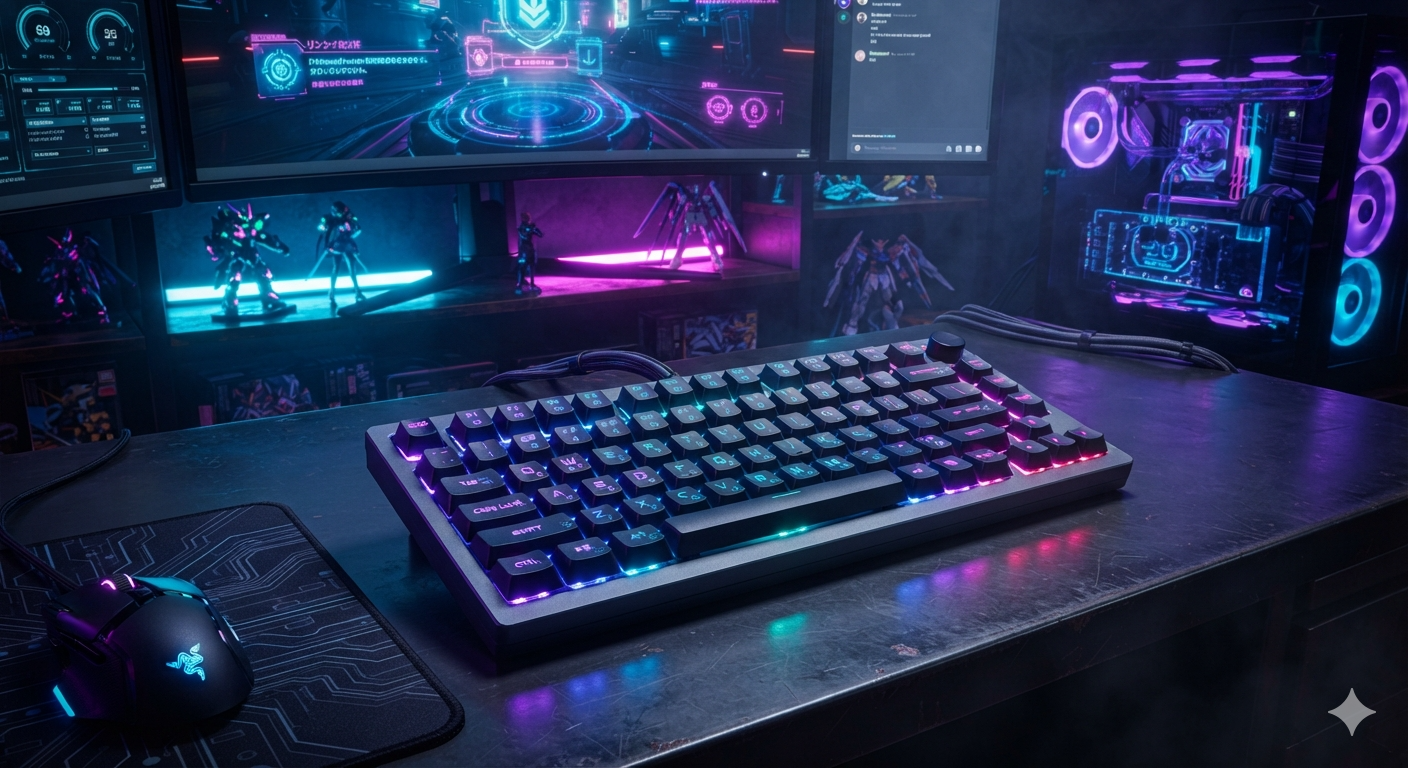
Best Gaming Keyboards for Competitive Players
In competitive gaming, every millisecond matters. Whether you’re clutching a round in Counter-Strike 2, building at lightning speed in Fortnite, landing perfect combos in a fighting game, or coordinating abilities in League of Legends, your keyboard plays a crucial role in how quickly and accurately you respond.
While skill, strategy, and practice are the biggest factors in winning matches, having the right gaming keyboard can improve comfort, consistency, and responsiveness. Modern gaming keyboards are designed with features like mechanical switches, customizable actuation points, anti-ghosting, N-key rollover, low-latency performance, and durable construction to meet the demands of serious players.
With dozens of options available, choosing the right keyboard can feel overwhelming. Some prioritize speed, while others focus on comfort, portability, or customization.
This comprehensive guide explores the best gaming keyboards for competitive players, explains the features that matter most, and helps you choose the perfect keyboard based on your gaming style and budget.
Why a Gaming Keyboard Matters
Unlike standard office keyboards, gaming keyboards are engineered for precision and durability.
Competitive players benefit from features such as:
- Faster key response
- More consistent actuation
- Improved durability
- Better ergonomics
- Programmable keys
- Customizable lighting
- High polling rates
- Simultaneous key presses (N-key rollover)
Although upgrading your keyboard won’t instantly improve your rank, it can provide a more reliable and comfortable experience during long gaming sessions.
Mechanical vs. Membrane Keyboards
One of the first decisions you’ll make is choosing between a mechanical and a membrane keyboard.
Mechanical Keyboards
Mechanical keyboards use individual switches beneath each key.
Advantages
- Faster response
- Better durability
- Consistent feel
- Easier customization
- Superior typing experience
Disadvantages
- Usually more expensive
- Can be louder, depending on the switch
Mechanical keyboards are the preferred choice for most competitive gamers.
Membrane Keyboards
Membrane keyboards use a rubber dome beneath the keys.
Advantages
- Lower cost
- Quieter operation
- Lightweight
Disadvantages
- Less tactile feedback
- Shorter lifespan
- Softer key feel
They are suitable for casual gaming but are generally less favored in esports.
Key Features to Look For
1. Mechanical Switches
The switch determines how each key feels and responds.
Linear Switches
Examples:
- Cherry MX Red
- Gateron Red
- ROG NX Red
Characteristics:
- Smooth travel
- Fast actuation
- Popular among FPS players
Tactile Switches
Examples:
- Cherry MX Brown
- Gateron Brown
Characteristics:
- Noticeable bump
- Balanced typing and gaming
- Good all-around choice
Clicky Switches
Examples:
- Cherry MX Blue
Characteristics:
- Audible click
- Strong feedback
- Great for typing
- Less common in competitive gaming due to noise
2. Low Latency
Competitive gaming demands fast input.
Modern gaming keyboards offer:
- High USB polling rates
- Rapid response times
- Minimal input delay
These features help ensure your key presses register as quickly as possible.
3. N-Key Rollover
N-key rollover allows multiple keys to be pressed simultaneously without missed inputs.
This is especially important in games that require:
- Complex movement
- Multiple abilities
- Quick combinations
4. Anti-Ghosting
Anti-ghosting prevents unintended key presses when multiple keys are pressed together.
Nearly all premium gaming keyboards include this feature.
5. Build Quality
A durable keyboard should feature:
- Aluminum or reinforced plastic frame
- Double-shot keycaps
- Stable switches
- Strong USB cable or reliable wireless connection
Quality construction improves longevity and provides a premium feel.
Best Gaming Keyboards for Competitive Players
1. SteelSeries Apex Pro Gen 3
Best Overall Gaming Keyboard
The SteelSeries Apex Pro Gen 3 is widely regarded as one of the best keyboards for competitive gaming.
Its standout feature is adjustable actuation, allowing players to customize how far each key must travel before registering.
Highlights
- Adjustable magnetic switches
- Premium aluminum frame
- Excellent software
- Rapid Trigger support
- Comfortable wrist rest
Best for:
- FPS
- Battle Royale
- MOBA
- Competitive esports
Pros:
- Extremely customizable
- Fast response
- Premium build quality
Cons:
- Premium price
2. Wooting 80HE
Best Keyboard for FPS Players
The Wooting 80HE has earned widespread praise among competitive gamers thanks to its Hall Effect switches and advanced Rapid Trigger technology.
Features
- Analog key input
- Adjustable actuation
- Rapid Trigger
- Excellent software
- Compact layout
Its responsive performance makes it a favorite among players of Counter-Strike 2, VALORANT, and other tactical shooters.
3. Razer Huntsman V3 Pro
Best Optical Gaming Keyboard
Razer’s Huntsman V3 Pro uses optical analog switches for incredibly fast input and customizable actuation.
Advantages:
- Optical switches
- Adjustable actuation
- Durable construction
- Comfortable design
- Excellent RGB lighting
4. Corsair K70 MAX
Best Full-Size Keyboard
The Corsair K70 MAX combines premium build quality with magnetic switches and extensive customization.
Features include:
- Full-size layout
- Dedicated media controls
- Adjustable actuation
- Aluminum frame
- Comfortable wrist rest
Ideal for gamers who also use their keyboard for work or content creation.
5. ASUS ROG Azoth
Best Compact Premium Keyboard
The ROG Azoth blends gaming performance with enthusiast-level customization.
Highlights:
- OLED display
- Hot-swappable switches
- Wireless connectivity
- Excellent battery life
- Premium build
It’s a great choice for users who value both performance and aesthetics.
6. Logitech G Pro X TKL Rapid
Best Tournament Keyboard
Designed with esports players in mind, the Logitech G Pro X TKL Rapid features a tenkeyless layout that leaves more room for mouse movement.
Benefits:
- Compact design
- Fast switches
- Durable construction
- Reliable wireless option
- Portable for tournaments
7. HyperX Alloy Origins
Best Value Mechanical Keyboard
The HyperX Alloy Origins delivers excellent gaming performance without a premium price tag.
Features:
- Aluminum frame
- Responsive switches
- Compact options
- Bright RGB lighting
It’s ideal for players looking for a high-quality mechanical keyboard at a more affordable price.
8. Keychron Q1 HE
Best for Gaming and Productivity
The Keychron Q1 HE combines Hall Effect switches with a premium custom keyboard experience.
Advantages:
- Adjustable actuation
- Gasket-mounted design
- Excellent typing feel
- High-quality materials
It’s perfect for users who split their time between gaming and work.
Full-Size vs. TKL vs. 60% Keyboards
Full-Size
Includes:
- Number pad
- Function row
- Navigation keys
Best for:
- Productivity
- MMO players
- Content creators
Tenkeyless (TKL)
Removes the number pad while retaining most essential keys.
Advantages:
- More mouse space
- Easier portability
- Popular among esports professionals
60%
Removes the number pad, function row, and navigation cluster.
Advantages:
- Maximum desk space
- Lightweight
- Minimalist design
Learning keyboard shortcuts is essential when using a 60% layout.
Wired vs. Wireless
Modern wireless gaming keyboards have improved significantly.
Wired Advantages
- No charging required
- Consistent connection
- Lower cost
Wireless Advantages
- Cleaner setup
- Greater flexibility
- Easy portability
For most competitive players, either option performs well when using reputable hardware.
Do RGB Lights Improve Gaming?
RGB lighting does not directly improve performance, but it can provide practical benefits.
Examples include:
- Highlighting important keys
- Different profiles for different games
- Improved visibility in dark rooms
Many players also enjoy customizing their setup with synchronized lighting effects.
Choosing the Right Switch
FPS Games
Recommended:
- Linear switches
- Fast actuation
- Smooth travel
Examples:
- Cherry MX Red
- Gateron Red
- Hall Effect linear switches
MOBA Games
Many players prefer tactile switches for improved feedback during ability rotations.
Typing and Gaming
Brown-style tactile switches offer a good balance between responsiveness and comfort.
How to Maintain Your Gaming Keyboard
To keep your keyboard in top condition:
- Dust it regularly.
- Remove debris between keycaps.
- Wipe the surface with a microfiber cloth.
- Avoid eating directly over the keyboard.
- Update firmware if available.
- Replace worn keycaps when necessary.
Routine maintenance helps preserve both performance and appearance.
Common Mistakes When Buying a Gaming Keyboard
Avoid these common pitfalls:
- Buying based only on RGB lighting.
- Ignoring switch type.
- Choosing the wrong layout for your desk space.
- Overlooking software support.
- Assuming the most expensive keyboard is always the best fit.
Comfort and consistency should be your highest priorities.
Frequently Asked Questions
What is the best gaming keyboard for competitive players?
The SteelSeries Apex Pro Gen 3 is widely regarded as one of the best overall options due to its adjustable magnetic switches, Rapid Trigger support, and premium build quality.
Are Hall Effect keyboards worth it?
Yes. Hall Effect keyboards offer adjustable actuation, Rapid Trigger functionality, and exceptional durability, making them increasingly popular among competitive gamers.
Should I choose a TKL keyboard?
A TKL keyboard is an excellent choice if you want more room for mouse movement without sacrificing essential keys. It’s one of the most common layouts used in esports.
Are wireless gaming keyboards reliable?
Modern wireless gaming keyboards provide excellent performance with very low latency, making them suitable for both casual and competitive gaming.
Do mechanical keyboards improve gaming?
Mechanical keyboards offer more consistent key presses, better durability, and a more responsive feel than most membrane keyboards. While they won’t instantly improve your skill, they can enhance comfort and consistency during long gaming sessions.
Final Thoughts
The best gaming keyboard for competitive players is one that combines speed, reliability, comfort, and build quality. Whether you’re competing in tactical shooters, MOBAs, battle royale games, or fast-paced action titles, a well-designed keyboard can provide a more consistent and enjoyable gaming experience.
If you’re looking for the best all-around option, the SteelSeries Apex Pro Gen 3 stands out thanks to its adjustable magnetic switches and advanced customization features. Players focused on FPS games should consider the Wooting 80HE for its highly responsive Hall Effect technology and Rapid Trigger capabilities, while the Razer Huntsman V3 Pro and Corsair K70 MAX offer premium alternatives with excellent performance. For those seeking great value, the HyperX Alloy Origins delivers impressive quality without a flagship price.
Ultimately, the right keyboard depends on your preferred layout, switch type, budget, and gaming style. Pair your keyboard with a quality gaming mouse, a comfortable desk setup, and consistent practice, and you’ll have a solid foundation for improving your performance in competitive games.